Gemini adds interactive visualizations for scientific concepts
Gemini adds interactive visualizations for scientific concepts
Gemini's chat now generates interactive visualizations that let users directly manipulate simulations to explore physics, mathematics and other scientific concepts.
The neural model produces working widget-simulations with adjustable sliders and variables reflecting real-time changes in outcomes and behavior during user interaction.
Feature overview
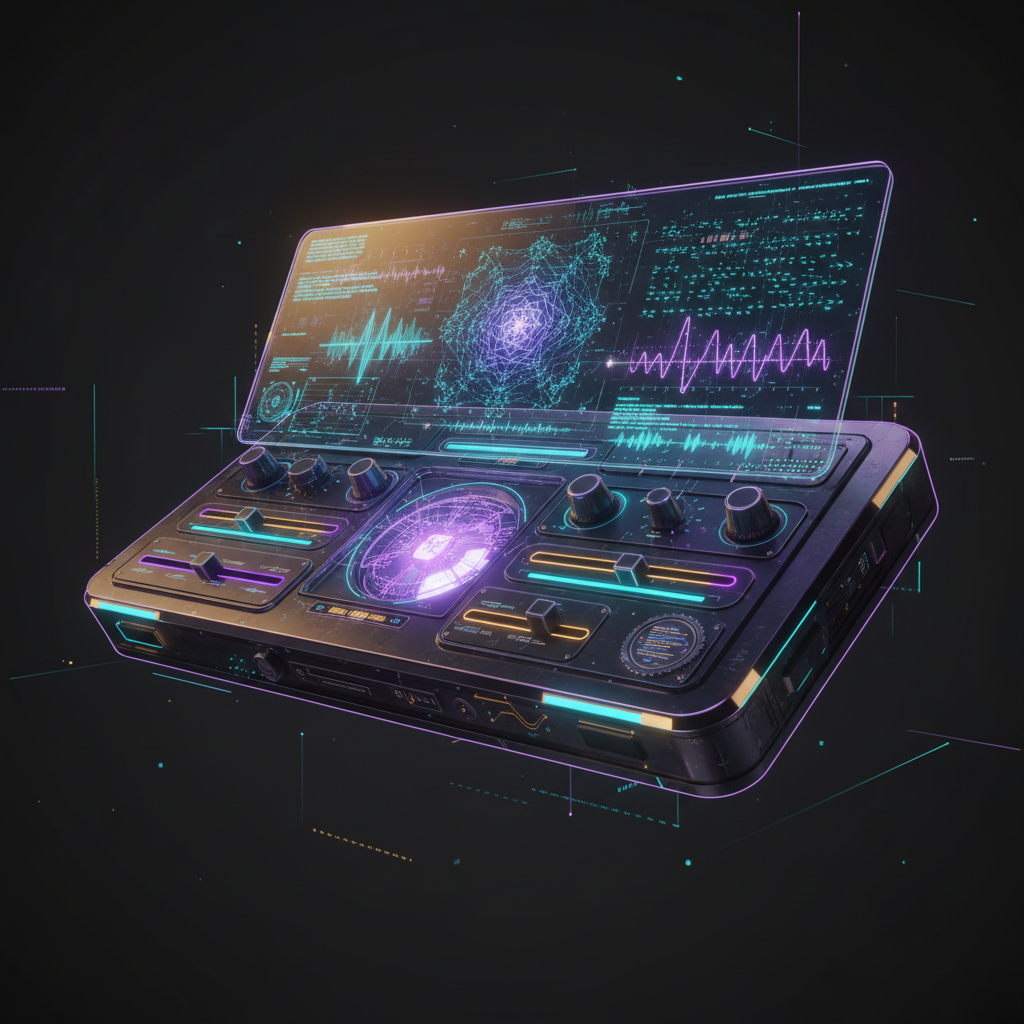
Developers can ask Gemini to illustrate forces, engines, fractals or Doppler effects and receive an embedded interactive model rendered inside the chat.
Users move sliders, change parameters and immediately observe resulting graphs, motion or signal alterations without leaving the conversation interface window.
How to test the visualization
- Open Gemini's web interface and ensure the chat is powered by the Pro model before requesting a visualization from the chat.
- Prompt the assistant with phrases like "Show me how [concept] works" or "Help visualize [concept]" to request an interactive model.
- After the reply, click the button labeled Show me the visualization to open the generated widget and begin interacting immediately.
Practical applications
Educators and students can use the widgets to probe hypotheses, run parameter sweeps and inspect emergent patterns without local software dependencies.
Researchers may prototype simple demonstrations and communicate mechanisms visually, while designers iterate on interaction flows and explanatory clarity rapidly across teams.
Google trained the underlying neural model to produce interactive, working widget-simulations that expose parameter dynamics for exploration inside the chat environment.