How Claude Cowork Organizes Multi‑Session AI Workflows
How Claude Cowork Organizes Multi‑Session AI Workflows
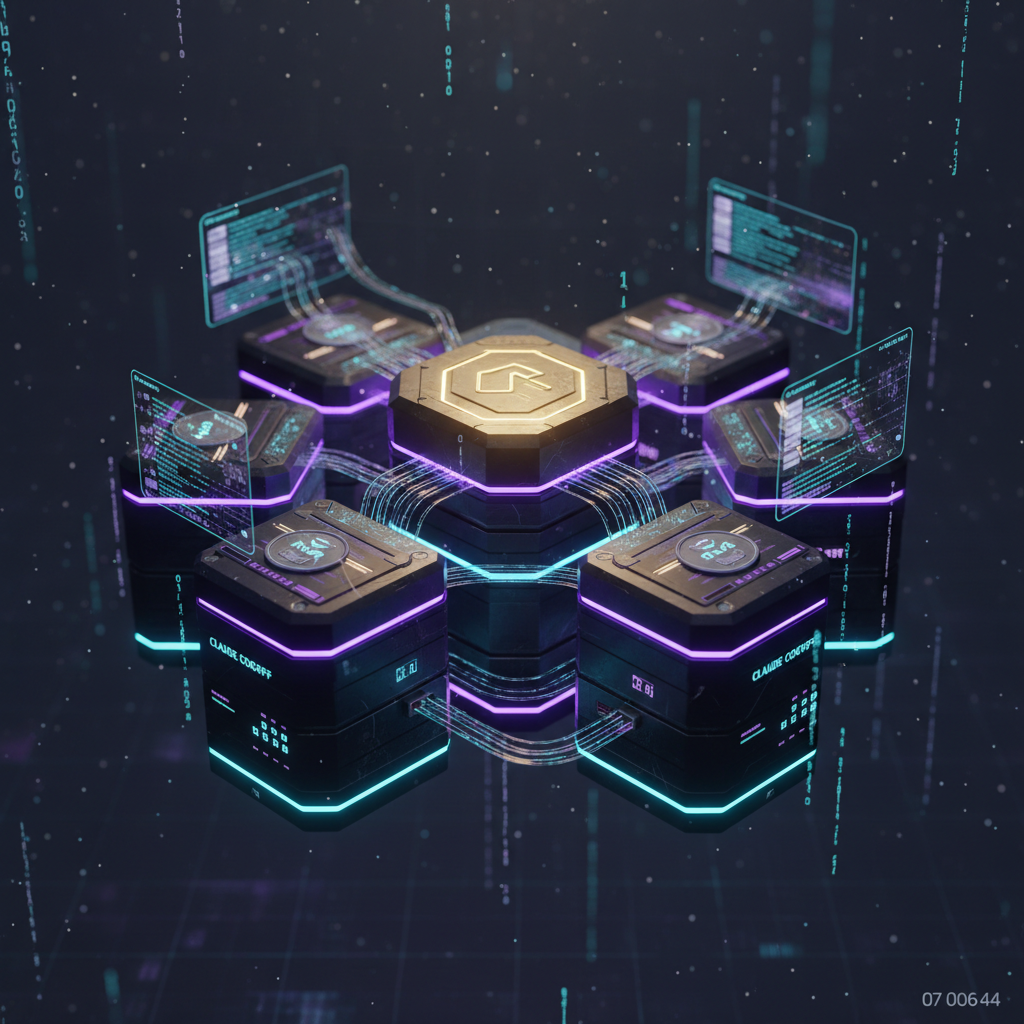
Claude Cowork runs parallel assistant sessions to handle complex tasks, coordinating reading, web search and planning activities automatically.
How parallel sessions operate
When a task is submitted, multiple Claude sessions run concurrently, each addressing a specific subtask such as file parsing, internet lookup or task planning.
This team‑like approach allows a single request to progress over several minutes while different modules exchange intermediate results and improve output quality.
Skills and projects as structure
Skills are reusable capabilities invoked by a slash command, available across chats and transferable between compatible models and environments.
Projects store files and contextual data for a client or assignment, keeping that context isolated so it is not mixed with other workspaces.
Practical file and workflow advice
Avoid relying on local folders as primary context; files can leak into prompts unexpectedly and become hard to maintain across iterations.
Export spreadsheets and documents directly to cloud services when possible, rather than reopening local copies, to preserve consistent context inside Cowork.
Efficiency and token control
Restart conversations from a relevant message to reduce context bloat, begin new sessions after about twenty messages, and combine related tasks into one prompt when feasible.
For routine or lightweight tasks, prefer less expensive model options and consolidate prompts to decrease token consumption without losing essential detail.
Skill deployment workflow
Generate skill packages externally, then upload an archive via settings under capabilities to add new skills to your Claude instance and reuse them across projects.